A true creative studio without the studio
On a minimalist high-end catwalk between two white tigers, crisp high-contrast spotlight, gown as the clear focal point.
Soft key light from the side, full-body framing, quiet editorial mood.
Soft warm-white studio backdrop, glossy taffeta sheen, full ball-gown volume.
Standing on the dark green marble, raking late-afternoon window light, long soft shadows.
Sunlit Riviera palette: sea blues and pale sand, soft golden light from the upper left.


 In use
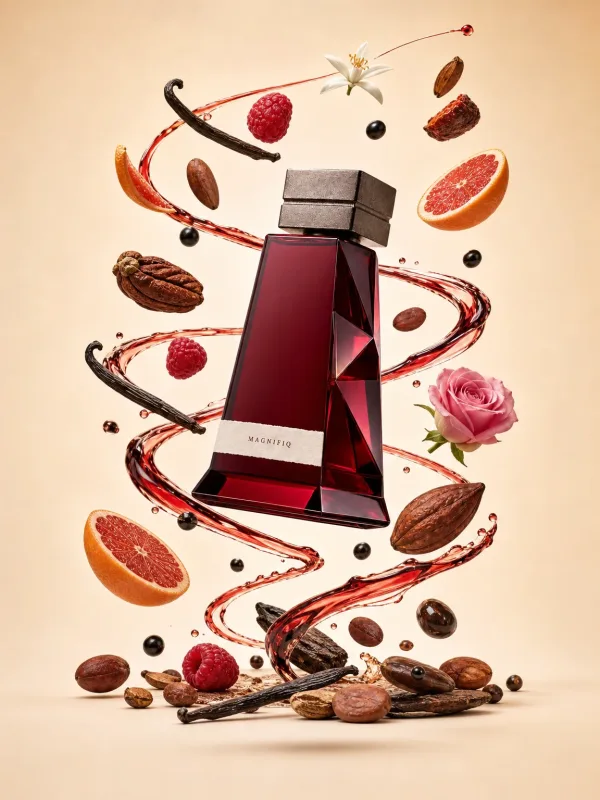
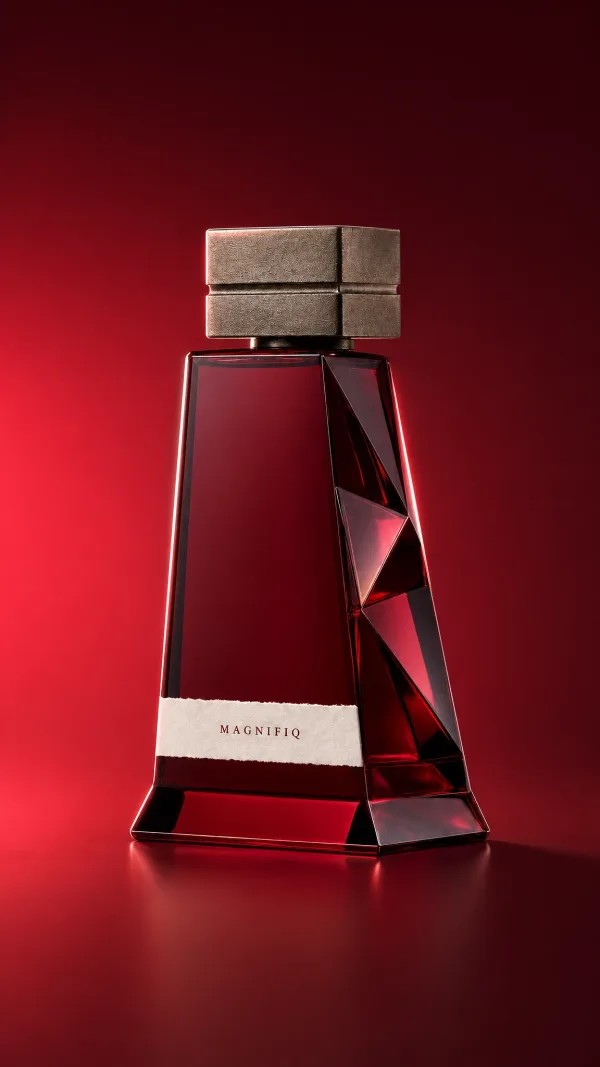
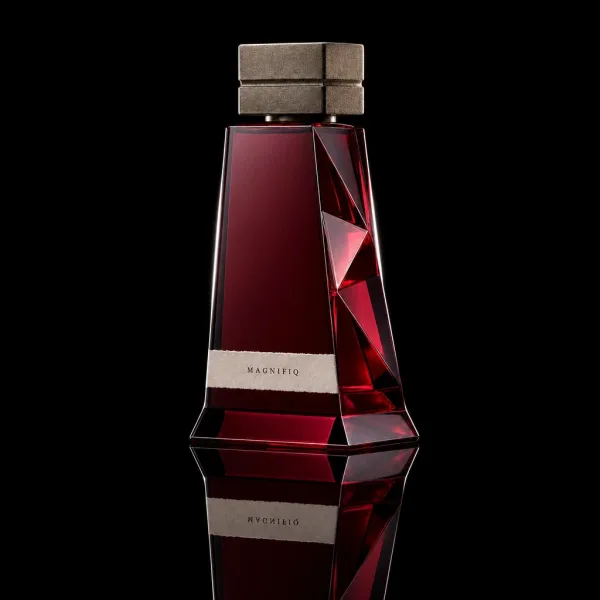
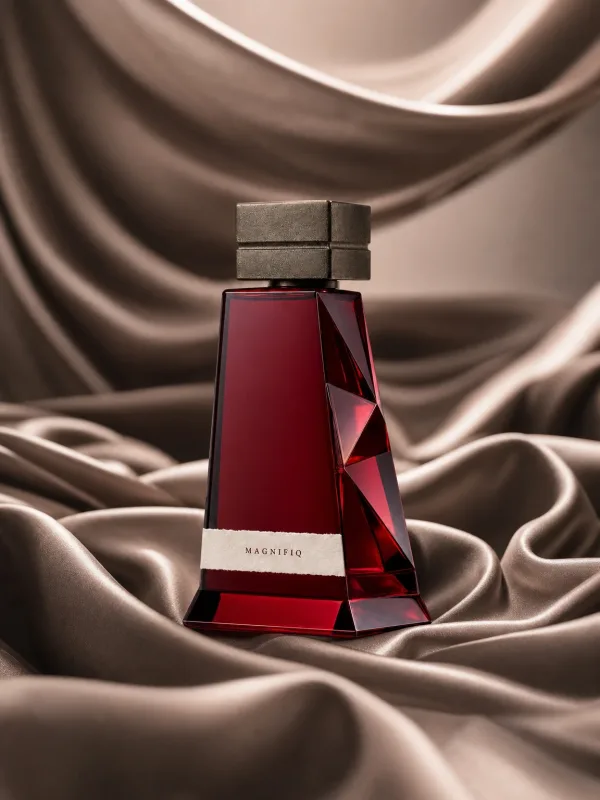
 Hero
Hero
 Lifestyle
 Macro
Macro
 Flat lay

Quickstart from a blueprint
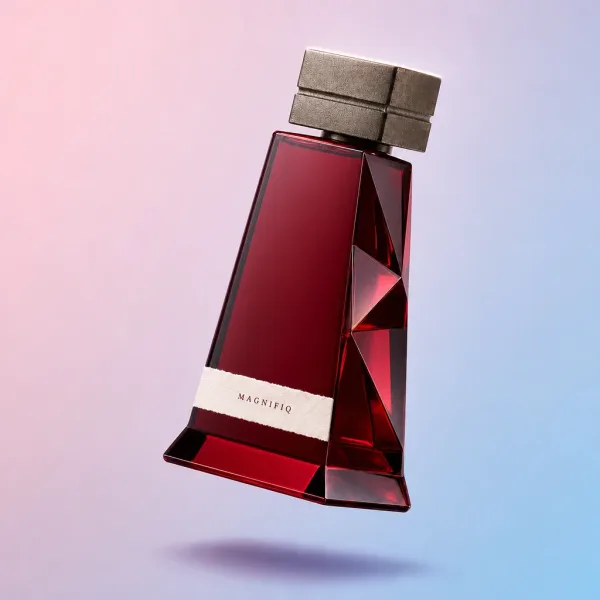
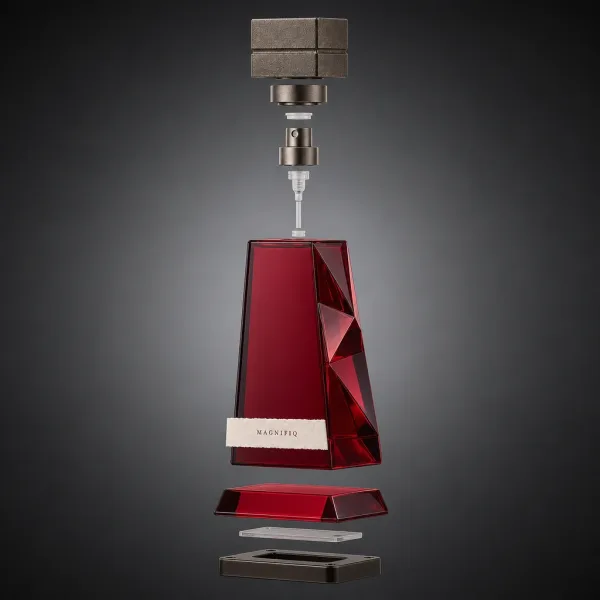
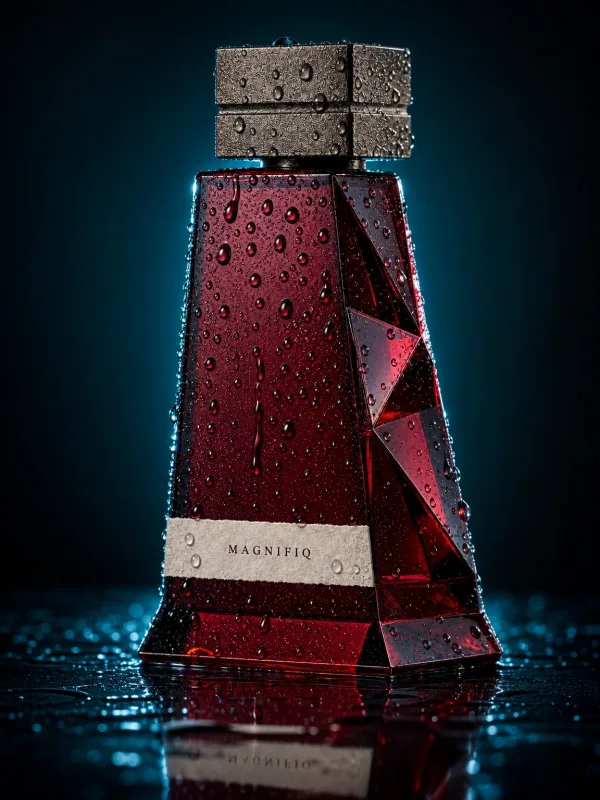
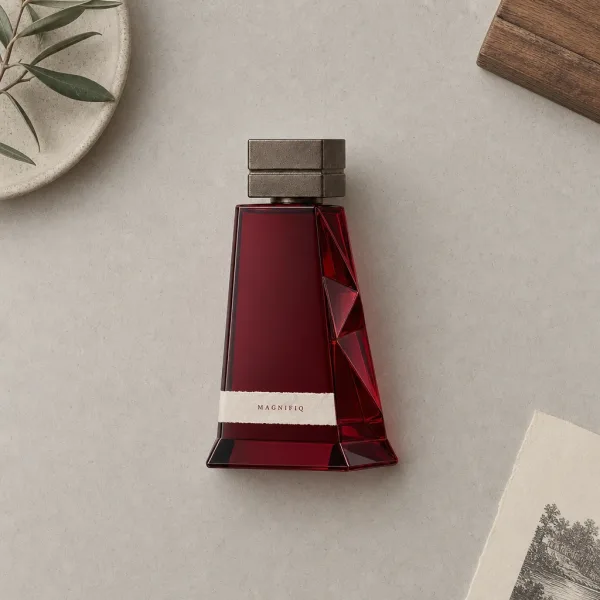
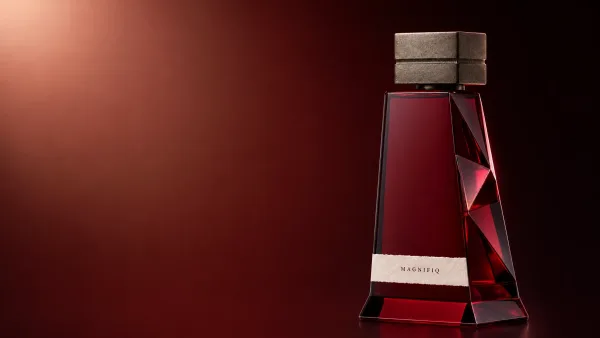
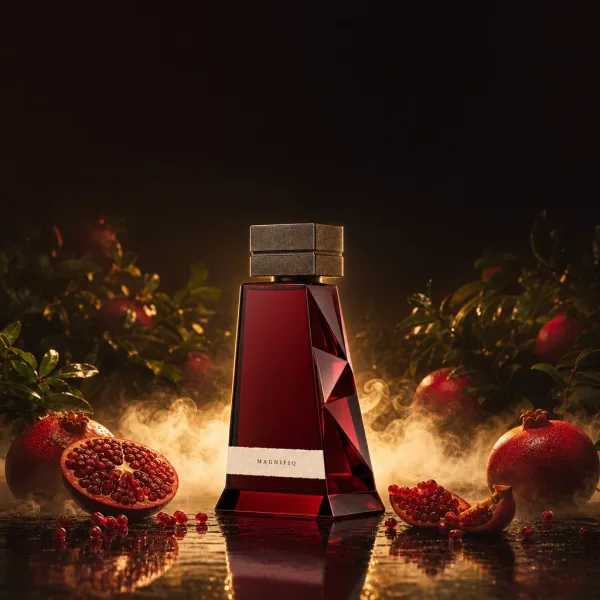
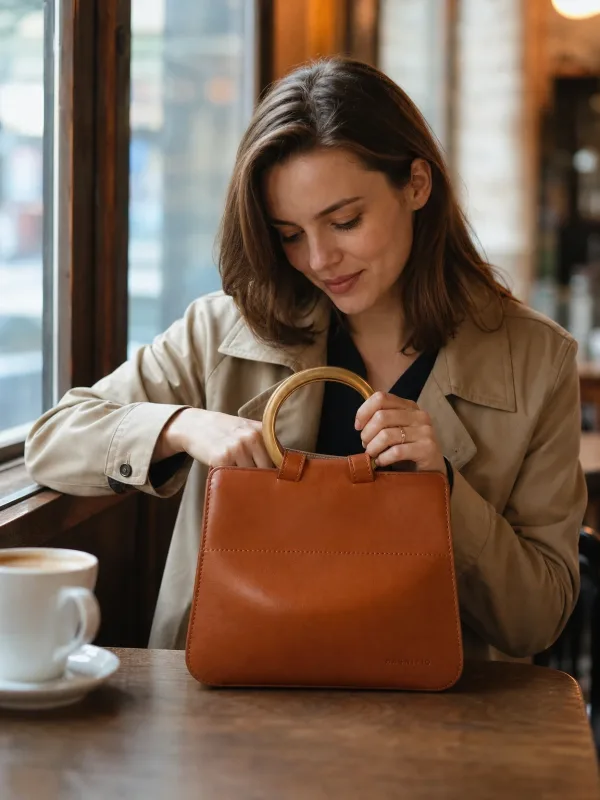
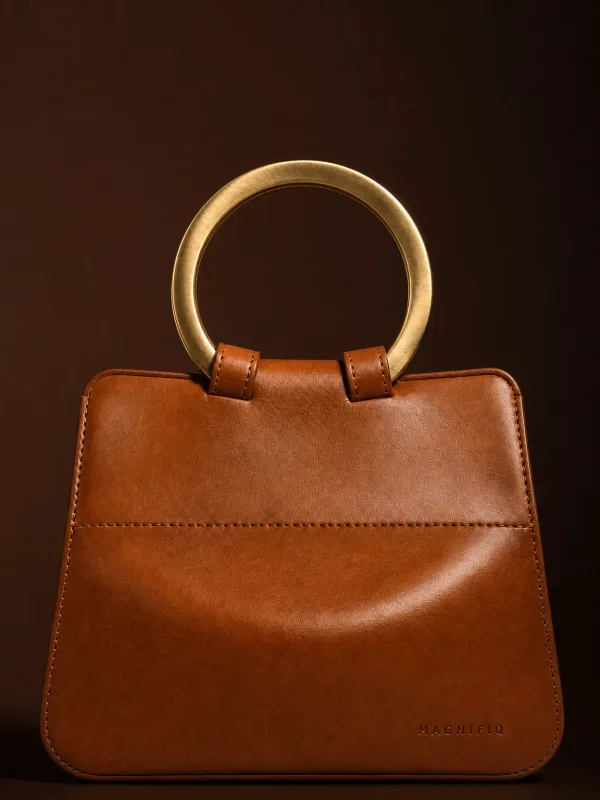
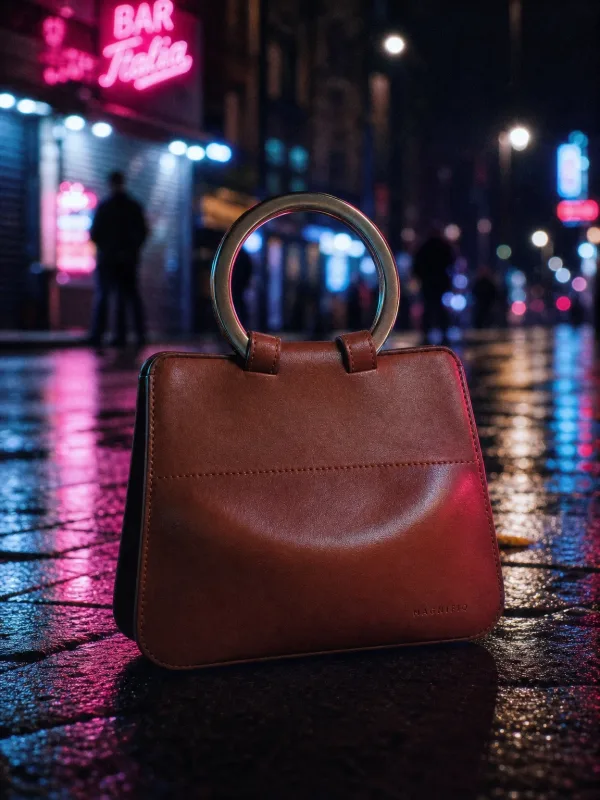
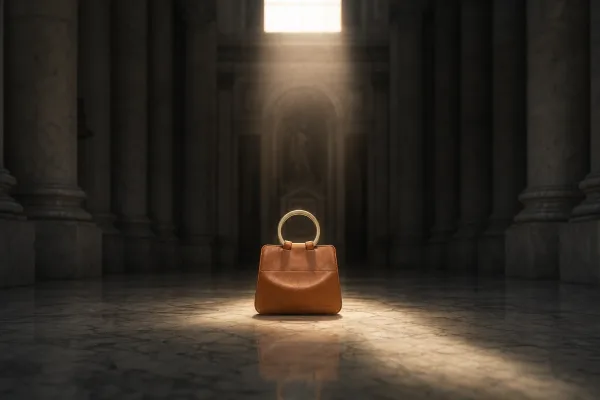
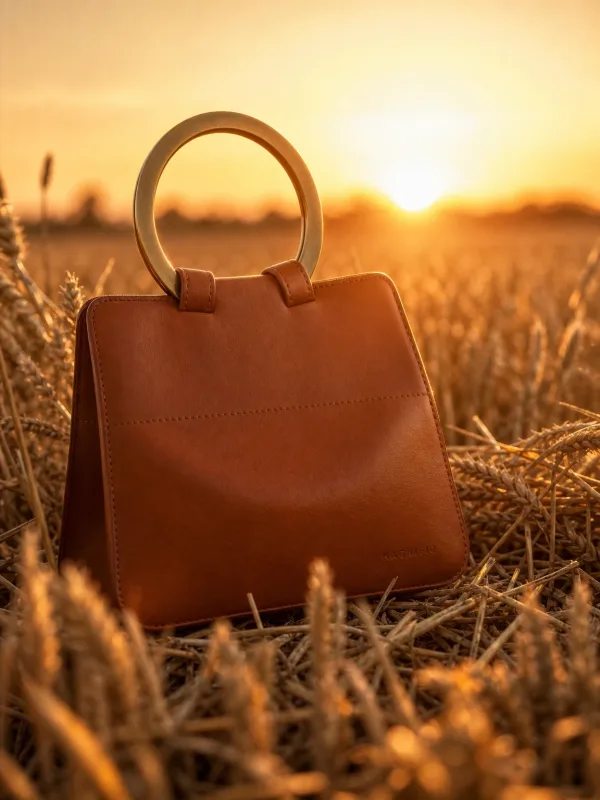
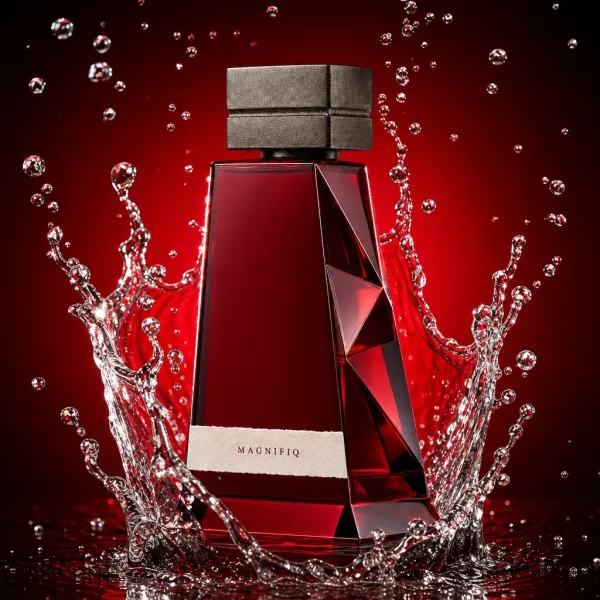
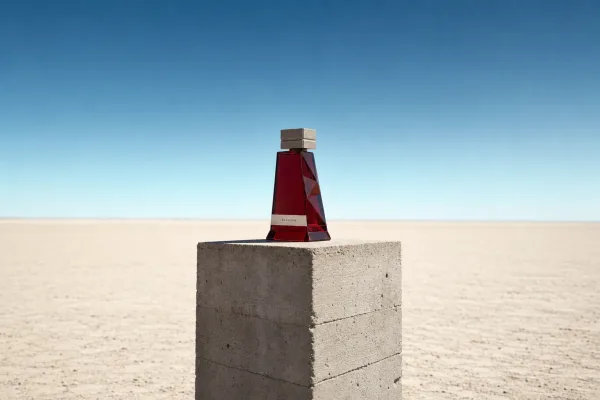
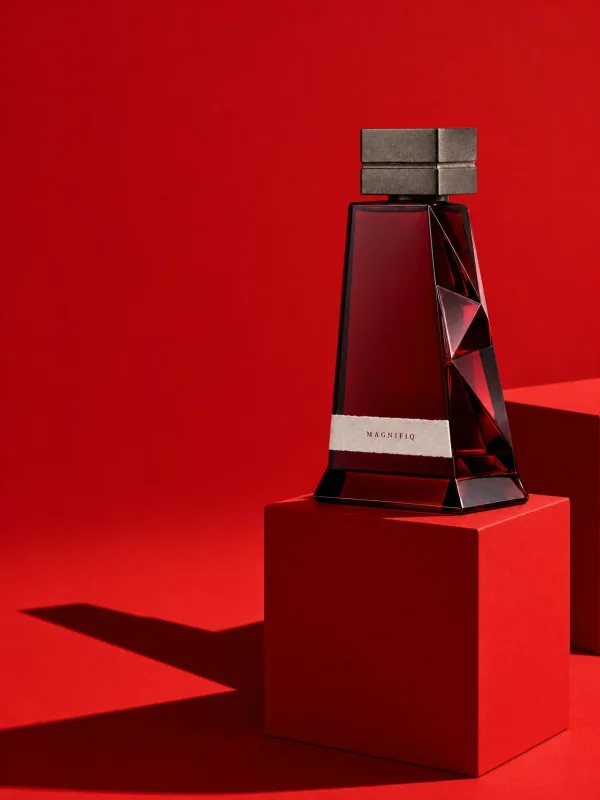
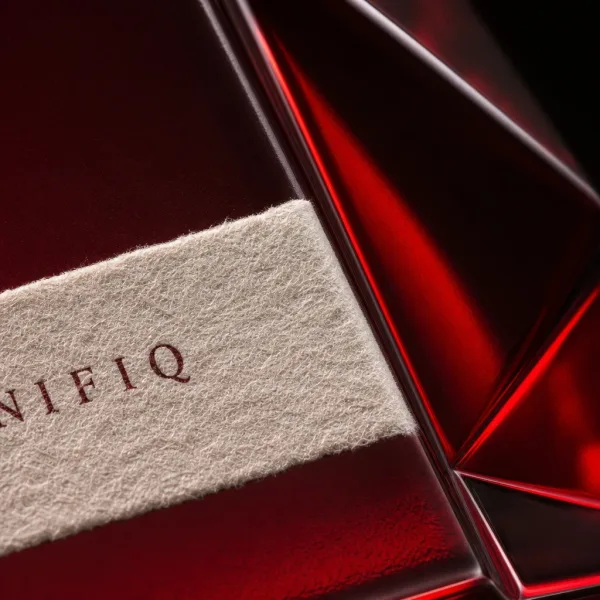
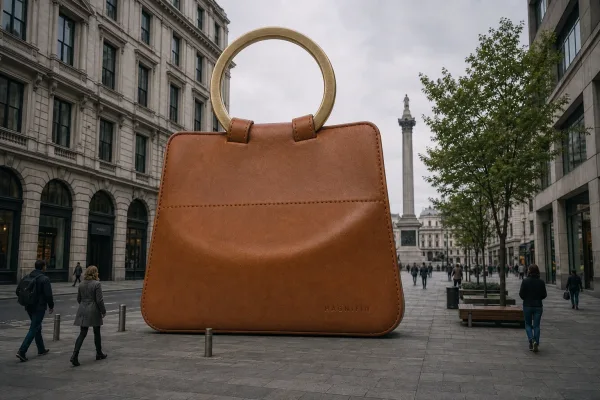

Trusted by


Every product image you need, generated
The Magnifiq Studio runs on the latest frontier image models. Pick a shot type, bring your images, and generate photorealistic results in seconds.
 Your photo
 Generated
Product & lifestyle scenes
Turn plain catalog photos into studio and lifestyle shots. Vision AI reads your product images and writes the prompt for you.
- Compose scenes from up to 14 input images
- One recipe, a whole batch of products at once
- 10 aspect ratios and 4x upscaling
Gender
Body
Hair
Age
 Your model
On-model fashion
Build your own reusable AI models from a few attributes, then dress them in your garments, pose them, and shoot them in any environment. No casting, no studio rental.
- Every piece of the outfit, each named in your own words
- Pose from a curated library or your own reference
- Identity-consistent faces across every shot
- Build your own AI models with a guided builder
 Sketch + fabric
 Rendered
Materialize
Turn a garment sketch and a fabric swatch into a photorealistic product render, before a single sample is sewn.
- Studio, flat-lay, ghost mannequin, and hanger shots
- Recolor any garment to an exact hex value
- True-to-fabric texture and drape
One library your whole team works from
Every generated image lands in a searchable team gallery. Find any shot by label, description, or prompt, and reuse it as input for the next one.


From Incomplete to Great
Google Merchant Center grades your store's browsing experience from what it finds on your product pages. A single packshot per product keeps the Images per offer score low.
Images per offer
Google looks at the average number of images per product and sets no fixed target, so more angles is better: on-model, flat-lay, detail and in context. Magnifiq turns the one packshot you have into the whole set.
High resolution images
Google counts the share of your images larger than 1048 pixels. Magnifiq renders at 2048 pixels by default, and up to 4K on selected engines.
On the page and in the feed
Publish the set on your product pages, where Google measures it, and add it to your product feed as additional images so it shows in Shopping too.
Browsing experience
High resolution
images
Images per
offer
Images on this offer: 1
Perfect every shot, right after you generate
A built-in editor picks up where generation leaves off. Repaint a region, expand the frame, remove the background, or crop to every channel without leaving the browser.
Set the focus once, export every ratio
Every crop re-centers on your focal point in real time. Download one ratio, or grab all of them zipped in a single click.
Masked
Edit area
Paint over any region and describe the change. Generative fill swaps it in without touching the rest of the shot.

Generative Expand
Outpaint to any aspect ratio. Original pixels stay untouched while the scene extends to fill the new frame.
Before
Enhanced
Enhance
One click balances exposure, white balance, vibrance, and sharpness for a clean, consistent finish.

 Low res
Upscaled
Low res
Upscaled
Upscale
Push any shot to 4x the resolution. Crisp edges and fine detail, ready for print and hero placements.

 Original
Cut out
Original
Cut out
Remove background
Lift the subject onto a transparent PNG in one click, then refine the edges by hand where it counts.
Content credentials, one click away
Publish with confidence. Attach a signed C2PA manifest and IPTC labels declaring the image AI-generated at download, and stamp the official EU AI label on the image itself so people see it too.
Conformant, not just compatible. Magnifiq is an officially approved C2PA Conforming Product and signs with a certificate issued by a C2PA-trusted authority, so validators show a verified signer instead of a warning. Most AI image tools offer neither.
It's the law in the EU. Since August 2026 the AI Act requires AI images to carry a machine-readable marking, and realistic AI images that could pass as real, like an AI model wearing your product, to be visibly labelled for viewers. Magnifiq covers both in the same download.
Signed C2PA manifest
A manifest signed with our trust-listed certificate is embedded on export. Any later edit breaks the seal, so viewers can tell an untouched file from a tampered one.
IPTC AI-generated label
The IPTC DigitalSourceType field marks the image as AI-generated, the disclosure standard newsrooms and marketplaces read to keep you compliant.
Visible EU AI label
Burn the European Commission's official icon into the image, in the corner you choose. "AI generated" for new images, "AI modified" for AI edits of your own photos, so the label is seen at first glance and travels with the file when it is downloaded or reposted.
JPEG, PNG and WebP
Credentials are written straight into the file, without re-encoding a single pixel. Or strip everything for a clean export. Your call, per download.

From product image to campaign-ready in 3 steps
No photographers, no studios, no sample shipping. Just the product images you already have and a Studio that does the rest.
Bring Your Products
Import product images from a feed URL, a file upload, or your Google Merchant Center connection.
Create in the Studio
Pick a shot type: scene, fashion shoot on an AI model, lookbook, materialize, colorize, or text to image. Generate in batches, then refine any detail in the editor.
Download and Use Anywhere
Every image lands in your searchable team Gallery. Download in the format you need and publish it to your store, ads, or social channels.
Try it for free
Built for teams that sell with images
Whether you list ten products or ten thousand, Magnifiq turns your catalog into imagery that sells.
E-commerce Stores
Turn supplier photos into scroll-stopping product pages. Generate consistent studio shots and lifestyle scenes for your whole catalog without booking a single shoot.
Fashion Brands
Show every garment on a model that matches your brand, in any setting. Build a roster of reusable AI models and keep faces consistent across collections.
Design & Product Teams
Sell designs before samples exist. Materialize turns sketches and fabric swatches into photorealistic renders you can test with buyers and pre-launch campaigns.
Marketplaces & Agencies
Upgrade imagery across large catalogs and multiple clients. Team workspaces keep every brand's products, models, and generated images cleanly separated.
Ready to retire the photo shoot?
Generate your first studio-quality product images in minutes. Start free, no credit card required.